User Guide
Welcome to the GraPlay player! This guide will help you get started quickly.
Quick Start
Accessing the Player
Directly visit player.graplay.com in your browser to enter the player interface. Android and iOS mobile users can download the app here --> Download
Selecting Language
The player supports a multi-language interface. Upon entering the app, it will automatically switch to your system language. You can also manually switch languages according to your needs. 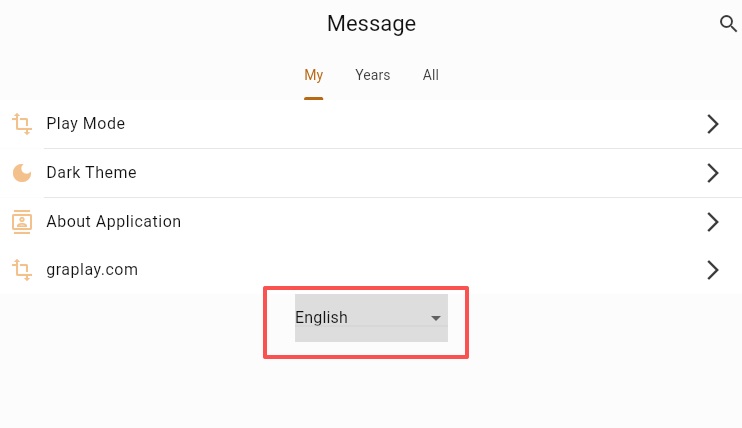
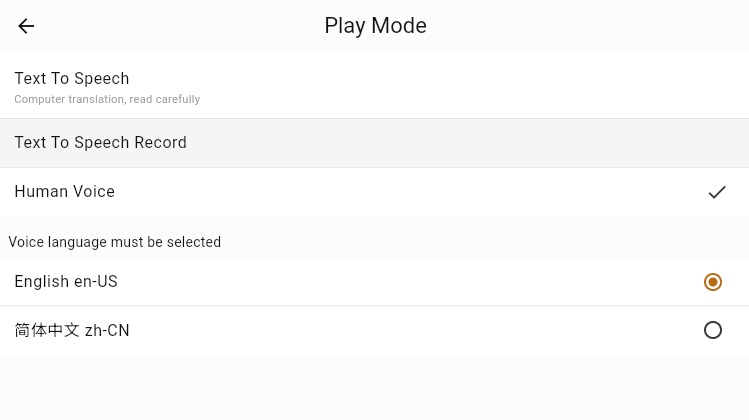
Playback Modes
- TTS (Text-to-Speech) Mode: The local speech engine plays the translated text or pre-recorded audio.
It utilizes AI to recognize the English spoken sermon, which is then translated by AI. While the original English audio is playing, your local device (browser or mobile built-in TTS engine) simultaneously plays the translated text and displays synchronized subtitles.
AI translation, please read with discretion.
Browsing Sermons
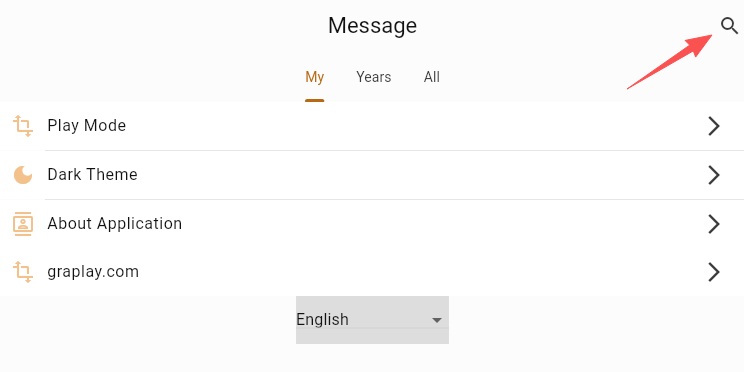
- Search: Use the search box to input keywords and quickly find relevant sermon information.
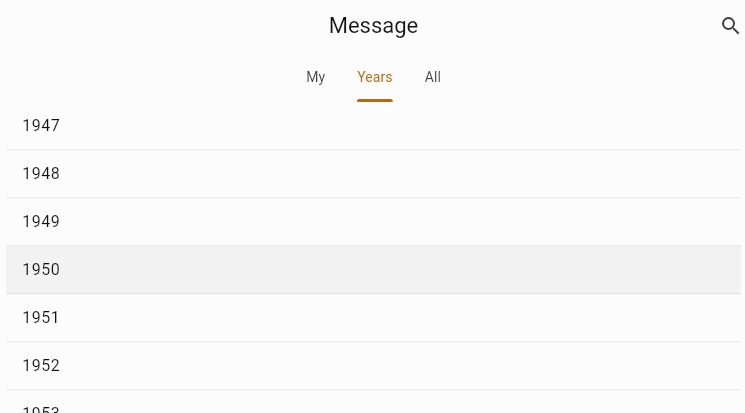
- Browse by Category: Browse the sermon list categorized by month.
- Play: Click on any sermon to start playing.
Detailed Features
Playback Controls
- TTS Settings Button:
Select a TTS voice. (You can only choose a voice of the same language, otherwise an error will occur)
Adjust the volume levels for both the English sermon recording and the TTS voice.
Adjust the text size for the English and translated text.
Set the text alignment direction.
Download & Cache Functions
- Web users can click the download button to download recordings.
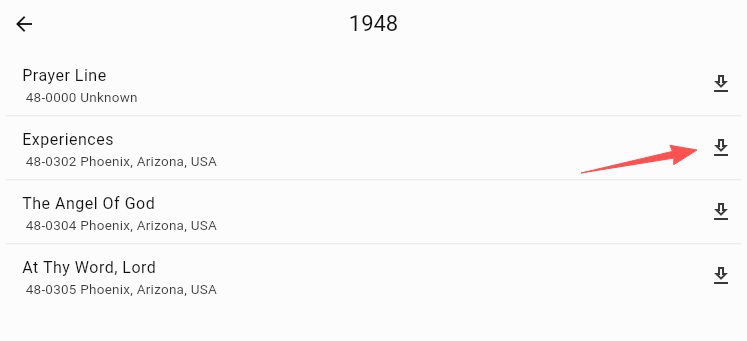
- Android and iOS users can enable the caching feature. Once caching is enabled, the app will download the audio while playing it.
Favorites & History
- Favorites: Click the heart icon to favorite your preferred sermons.
- History: Automatically records your playback history, making it easy to pick up where you left off.
Frequently Asked Questions
What should I do if playback is lagging or stuttering?
- Check your internet connection.
How do I provide feedback?
If you encounter any issues or have suggestions, feel free to contact us through the following channel:
